❓ Problem: QR code cannot be scanned by the app
🔍 Possible Causes
- Location not set up correctly or QR Code replaced.
- QR Code label damaged, smudged, torn, or hard to read.
- Device not positioned correctly.
🛠️ Fix
- Confirm the location is set up in ⚙️ Manage Locations. If deleted and recreated, print a new QR Code label.
- Ensure the QR Code is legible and in good condition.
- Hold the device close – 6 inches or less – and parallel to the QR Code, with the on-screen rectangle aimed at it.
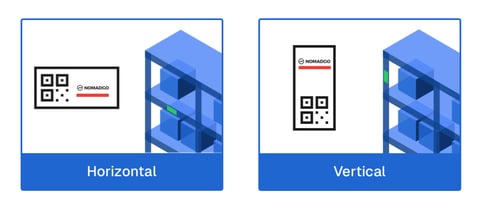
- Make sure NomadGo is upright and readable on the label